最近在 Github 看到了一个有趣的项目 amazing-qr,它支持生成普通二维码,带图片的艺术二维码,动态二维码。
项目是用 python 编写的,以命令行的方式运行生成,不太方便调用,因此,我把它封装成了 Api。
1. 普通二维码

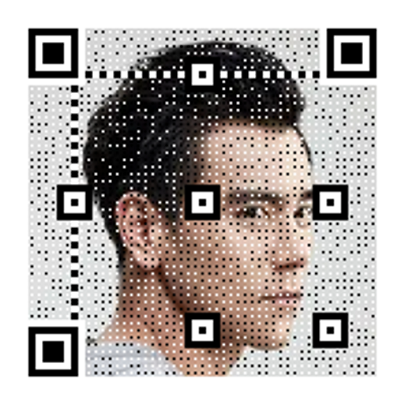
2. 图片二维码

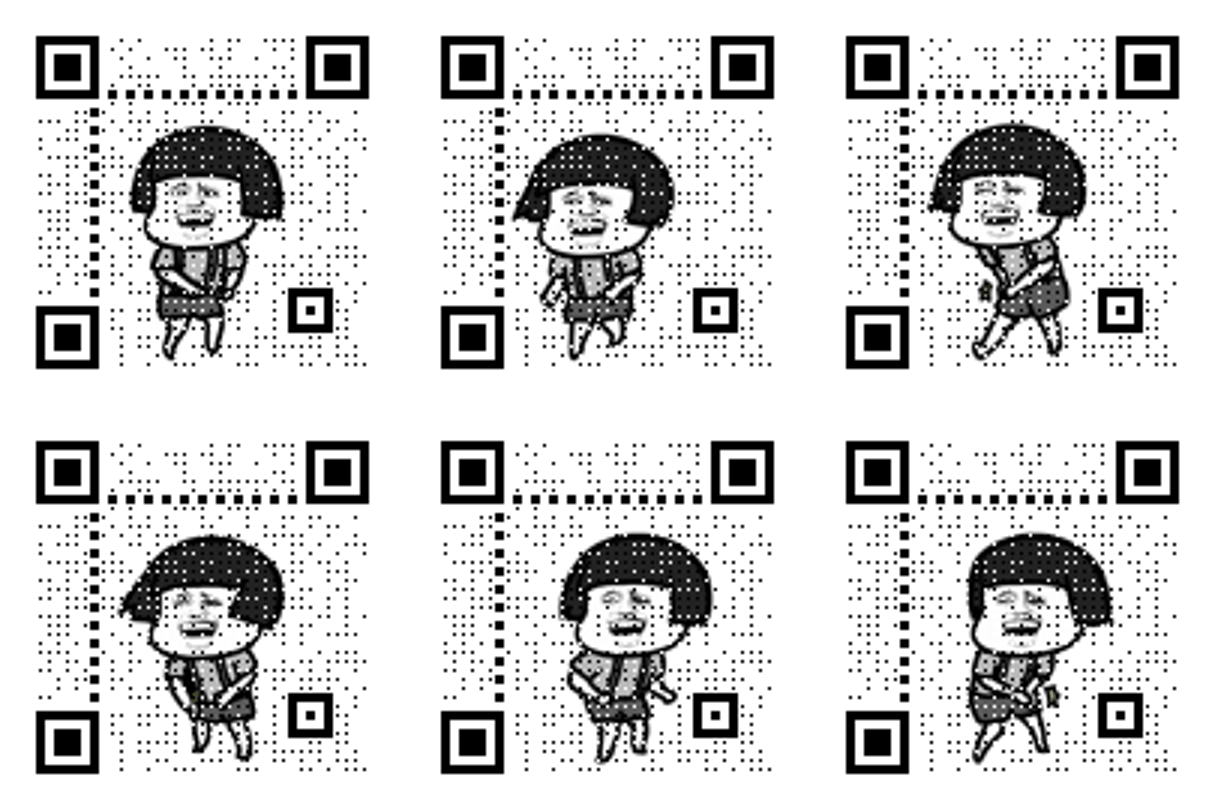
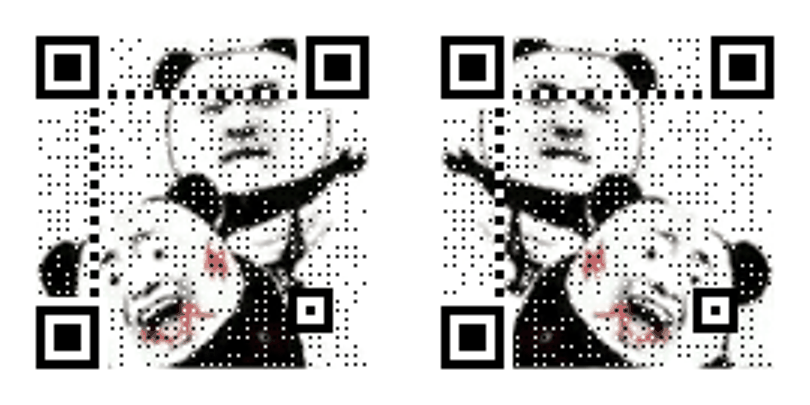
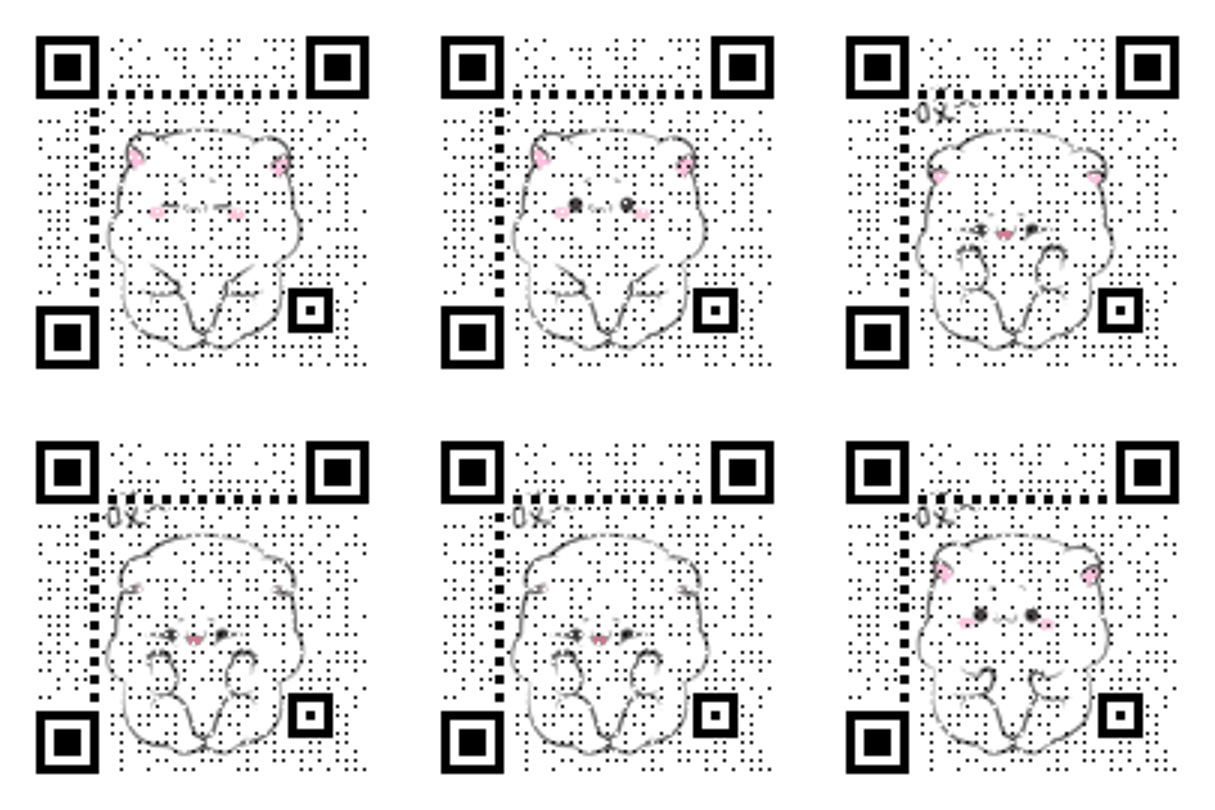
3. 动态二维码
1. 说明
amzqr Words # 用来生成二维码的内容 [-v {1,2,3,...,40}] # 二维码是正方形的,此参数表示二维码的边长,范围 1-40,不指定将基于二维码内容长度和纠错等级判断 [-l {L,M,Q,H}] # 纠错等级,范围是 L、M、Q、H,从左到右依次升高,默认为 H [-n output-filename] # 输出二维码文件名 [-d output-directory] # 输出二维码文件夹 [-p picture_file] # 用于合成二维码的图片 [-c] # 是否生成彩色二维码 [-con contrast] # 对比度,表示原始图片,更小的值表示更低对比度,更大反之,默认值为 1.0 [-bri brightness] # 亮度,用法和取值与 -con 相同,默认值为 1.0
2. 示例
# 生成普通二维码amzqr https://github.com# 生成普通二维码,设置边长为 10, 纠错等级为 Mamzqr https://github.com -v 10 -l M# 生成普通二维码,设置边长为 10, 纠错等级为 M,输出到 /tmp/qrcode.pngamzqr https://github.com -v 10 -l M -n qrcode.png -d /tmp# 生成黑白图片二维码,设置边长为 10, 纠错等级为 M,输出到 /tmp/qrcode.pngamzqr https://github.com -v 10 -l M -n qrcode.png -d /tmp -p github.png# 生成彩色图片二维码,设置边长为 10, 纠错等级为 M,输出到 /tmp/qrcode.pngamzqr https://github.com -v 10 -l M -n qrcode.png -d /tmp -p github.png -c# 生成彩色图片二维码,设置边长为 10, 纠错等级为 M,输出到 /tmp/qrcode.png,对比度为 1.0,亮度为 1.0amzqr https://github.com -v 10 -l M -n qrcode.png -d /tmp -p github.png -c -con 1.0 -bri 1.0# 生成动态二维码,设置边长为 10, 纠错等级为 M,输出到 /tmp/qrcode.gifamzqr https://github.com -v 10 -l M -n qrcode.gif -d /tmp -p github.gif -c# 生成动态二维码,设置边长为 10, 纠错等级为 M,输出到 /tmp/qrcode.gif,对比度为 1.0,亮度为 1.0amzqr https://github.com -v 10 -l M -n qrcode.gif -d /tmp -p github.gif -c -con 1.0 -bri 1.0
有了上述指令介绍,Api 只需要根据输入参数生成对应的指令进行执行即可,以下是指令参数翻译过来的实体类:
public class QRCodeForm{ /// <summary> /// Content to gen to qrcode /// </summary> [Required] public string? Text { get; set; } /// <summary> /// Length of the qrcode image range 1 to 40 /// </summary> [Range(1, 40)] public int? Version { get; set; } = null; /// <summary> /// Error correction level, is one of L, M, Q and H, default H /// </summary> [DefaultValue("H")] [LevelValidation] public string Level { get; set; } = "H"; /// <summary> /// Is qrcode image colorized /// </summary> public bool Colorized { get; set; } = false; /// <summary> /// The contrast of the qrcode image, defaule 1.0 /// </summary> [DefaultValue(1.0)] public double Contrast { get; set; } = 1.0; /// <summary> /// The brightness of the qrcode image, defaule 1.0 /// </summary> [DefaultValue(1.0)] public double Brightness { get; set; } = 1.0;}
根据输入参数生成指令:
[HttpPost]public async Task<IActionResult> Generate([FromForm] QRCodeForm form, IFormFile? file){ var outDir = Directory.GetCurrentDirectory(); var isUnix = RuntimeInformation.IsOSPlatform(OSPlatform.OSX) || RuntimeInformation.IsOSPlatform(OSPlatform.Linux); if (isUnix) { outDir = "/tmp"; } var command = $"amzqr {form.Text} -l {form.Level.ToUpper()}"; var isGif = false; var tmpPath = string.Empty; if (file != null) { var ext = Path.GetExtension(file.FileName).ToLower(); if (ext == ".gif") { isGif = true; } tmpPath = Path.Combine(outDir, isGif ? $"{Guid.NewGuid()}.gif" : $"{Guid.NewGuid()}.png"); await using var stream = System.IO.File.Create(tmpPath); await file.CopyToAsync(stream); command = form.Colorized ? $"{command} -p {tmpPath} -c" : $"{command} -p {tmpPath}"; if (form.Version == null) { form.Version = 10; } } if (form.Version != null) { command = $"{command} -v {form.Version}"; } var filename = isGif ? $"{Guid.NewGuid()}.gif" : $"{Guid.NewGuid()}.png"; var filePath = Path.Combine(outDir, filename); command = $"{command} -n {filePath} -d {outDir} -con {form.Contrast} -bri {form.Brightness}"; var (code, message) = ExecuteCommand(command); if (code != 0) { return StatusCode(StatusCodes.Status500InternalServerError, new { Message = message }); } var bytes = await System.IO.File.ReadAllBytesAsync(filePath); System.IO.File.Delete(filePath); if (!string.IsNullOrWhiteSpace(tmpPath)) { System.IO.File.Delete(tmpPath); } var contentType = isGif ? "image/gif" : "image/png"; return File(bytes, contentType, filename);}
.Net 执行指令:
private (int, string) ExecuteCommand(string command){ var isUnix = RuntimeInformation.IsOSPlatform(OSPlatform.OSX) || RuntimeInformation.IsOSPlatform(OSPlatform.Linux); var escapedArgs = command.Replace("\"", "\\\""); var process = new Process { StartInfo = new ProcessStartInfo { FileName = isUnix ? "/bin/sh" : "powershell", Arguments = isUnix ? $"-c \"{escapedArgs}\"" : command, RedirectStandardOutput = true, RedirectStandardError = true, UseShellExecute = false, CreateNoWindow = true } }; process.Start(); process.WaitForExit(); var message = process.StandardOutput.ReadToEnd(); if (process.ExitCode != 0) { message = process.StandardError.ReadToEnd(); } return (process.ExitCode, message);}
由于使用 amzqr 需要 python 环境,因此,我们需要在镜像中安装 python 和 amzqr。这里采用的是 .Net --self-contained 及 SingleFile 的发布模式,基础镜像使用 Alpine 即可,这样镜像会比较小,最终镜像信息如下:
docker imagesREPOSITORY TAG IMAGE ID CREATED SIZEqrcode-service 1.0.0 ed951bd0f183 11 hours ago 579MBdocker history qrcode-service:1.0.0IMAGE CREATED CREATED BY SIZE COMMENTed951bd0f183 11 hours ago /bin/sh -c #(nop) ENTRYPOINT ["/app/QRCodeS… 0B5d8233b13569 11 hours ago /bin/sh -c #(nop) EXPOSE 5000 0B243defd1dbf8 11 hours ago /bin/sh -c #(nop) WORKDIR /app 0B35107ba54a38 11 hours ago /bin/sh -c #(nop) COPY dir:41655fe6f5c1f2696… 89.7MB # .Net 程序大小6397fd089666 11 hours ago /bin/sh -c pip install amzqr 163MB # amzpr 大小dd22ff3f30f3 11 hours ago /bin/sh -c apk add build-base python3-dev 239MB # gcc + python-dev 大小ebfe625d9bbf 11 hours ago /bin/sh -c pip3 install --no-cache --upgrade… 17.8MB # setuptools 大小27b796e1ee1b 11 hours ago /bin/sh -c python3 -m ensurepip 12.8MB # pip 大小897ce778f7ac 11 hours ago /bin/sh -c apk add --update --no-cache pytho… 44.4MB # python 大小f50f70c2e77e 11 hours ago /bin/sh -c #(nop) ENV PYTHONUNBUFFERED=1 0B383310ca7431 11 hours ago /bin/sh -c apk add --no-cache ca-cer… 4.32MB # .Net 依赖大小b5cadfbc43c4 11 hours ago /bin/sh -c apk update 2.16MB # 升级 apk 源增加的大小c594ce5ebfef 11 hours ago /bin/sh -c sed -i 's/dl-cdn.alpinelinux.org/… 95B021b3423115f 9 months ago /bin/sh -c #(nop) CMD ["/bin/sh"] 0B<missing> 9 months ago /bin/sh -c #(nop) ADD file:34eb5c40aa0002892… 5.6MB # Alpine 镜像大小
.Net 发布压缩参数 PublishTrimmed=true 在 .Net 6 貌似失效了,不然 .Net 程序的大小应该在 40M 左右。
1. 操作系统
可以在 Windows,Linux,Mac 上进行开发,比较推荐 Linux,在 Windows 环境下使用图片合成时会有文件占用的问题。
2. 环境依赖
python3 以及 amzpr。
https://github.com/ErikXu/qrcode-service
欢迎大家 star,提 pr,提 issue,在文章或者在公众号 - 跬步之巅留言交流。