编写目的
这个项目基本把电商的业务和平台都完整的展示出来了,很多项目只是展示一个后台管理,但是,那并不是完整的企业级项目,而这个lilishop却是一个完整的项目,并且进行了开源代码,在这里要对其做出的贡献表示感谢.
由于本系统的文档不够完善,缺少简单的部署流程,使得很多新人,或没有接触这个系统的人,很难简单快捷的实现,快速部署这个系统,同时,能够快速搭建,学习起来的状况,这也是目前国内开源的一大弊病,明明做的项目不差,但是由于文档缺乏,配置繁琐,导致很难快速上手,快速开发,快速学习,快速使用,所以,特此撰写此文章,此文章为原创设计,拒绝抄袭,如有转载,请注明出处.
服务器部署
由于笔者是一个开发人员,所以部署主要以开发的部署到本地的情况为主,文章这是范例,实际的问题,还需要自身学习百度功能,和自身对于一门技术的理解,希望大家努力学习,争取自己领悟部署的方法,本文部署主要选取常用的windows系统作为主要的部署环境,希望大家提高自身的部署能力.
构建工具(参考文献,其他版本安装流程基本一样)
| 软件名称 | 版本 | 描述 |
|---|---|---|
| IntelliJ IDEA | 尽量使用比较新的版本 | https://www.jetbrains.com/idea/ |
| JDK | 1.8 | https://www.cnblogs.com/liuyangfirst/p/14334385.html |
| Maven | 3.6.0 | https://www.cnblogs.com/liuyangfirst/p/15981202.html |
| MySQL | 官网使用5.7版本,本文采用最新的8.0版 | https://www.cnblogs.com/liuyangfirst/p/15997667.html |
| DBeaver | 7.3.0 | https://www.cnblogs.com/liuyangfirst/p/15997753.html |
| Redis | 5.0.10 | https://www.cnblogs.com/liuyangfirst/p/15998117.html |
| RedisDesktopManager | 0.9.3.817 | https://www.cnblogs.com/liuyangfirst/p/15998132.html |
| Mongodb | 4.2.5 | https://www.cnblogs.com/liuyangfirst/p/16011402.html |
| Robo3T | 1.4.2 | https://www.cnblogs.com/liuyangfirst/p/16014144.html |
| Elasticsearch | 7.6.2 | https://www.cnblogs.com/liuyangfirst/p/16004977.html |
| Kibana | 7.6.2 | https://www.cnblogs.com/liuyangfirst/p/16006164.html |
| Logstash | 7.6.2 | https://www.cnblogs.com/liuyangfirst/p/16008094.html |
| Git | 13.5.0 | https://www.cnblogs.com/liuyangfirst/p/15996063.html |
| NodeJS | 16.0.0 | https://www.cnblogs.com/liuyangfirst/p/15998172.html |
| RockeMQ | 16.0.0 | 暂无 |
| 序号 | 模块名称 | 描述 |
|---|---|---|
| 1 | admin | 监控模块,用于监控整个系统的服务状况 |
| 2 | buyer-api | 买家接口模块(就是你在商城想购物,你就是这个买家) |
| 3 | common-api | 公共代码模块,list转set什么的一般放这里,自己不要瞎写方法,公共的都放这里 |
| 4 | config | 公共配置文档的模块.用于全局配置文件的修改,一般全局修改改这里 |
| 5 | consumer | 消费者模块,消费服务,定时任务延时任务 |
| 6 | DB | 数据脚本存放位置,本地部署前要跑一下数据库的脚本 |
| 7 | framework | 核心代码(重点可以被学习的地方) |
| 8 | lilishop-ui | 前段界面代码模块(三方的前台代码都在这里) |
| 9 | manager-api | 运营管理模块,就是运营小姐姐给你处理订单异常,售后,退款,这类问题的平台 |
| 10 | seller-api | 商家模块(店铺),你买的所有东西都是商家提供的,你看看淘宝每个商品点击可以看到商铺,这里就是商铺模块,供应商提供货源,平台提供销路 |
| 11 | xxl-job | 定时任务管理模块,跑一些定时或自动的业务 |
| 序号 | 名称 | 位置 | 文件名称 |
|---|---|---|---|
| 1 | admin | src/main/resources | application.yml |
| 2 | buyer-api | src/main/resources | application.yml |
| 3 | common-api | src/main/resources | application.yml |
| 4 | config | src/main/resources | application.yml |
| 5 | consumer | src/main/resources | application.yml |
| 6 | manager-api | src/main/resources | application.yml |
| 7 | seller-api | src/main/resources | application.yml |
| 序号 | 名称 | 位置 | 文件名称 |
|---|---|---|---|
| 1 | buyer-api | src/main/resources | application.yml |
| 2 | common-api | src/main/resources | application.yml |
| 3 | config | src/main/resources | application.yml |
# 忽略鉴权url#ignored:# urls:# - /editor-app/**# - /actuator**# - /actuator/**# - /MP_verify_qSyvBPhDsPdxvOhC.txt# - /weixin/**# - /source/**# - /buyer/mini-program/**# - /buyer/cashier/**# - /buyer/pageData/**# - /buyer/article/**# - /buyer/goods/**# - /buyer/category/**# - /buyer/shop/**# - /buyer/connect/**# - /buyer/members/smsLogin# - /buyer/members/refresh/*# - /buyer/members/refresh**# - /buyer/promotion/pintuan# - /buyer/promotion/seckill# - /buyer/memberEvaluation/**/goodsEvaluation# - /buyer/memberEvaluation/**/evaluationNumber# - /store/login/**# - /manager/user/login# - /manager/user/refresh/**# - /druid/**# - /swagger-ui.html# - /doc.html# - /swagger-resources/**# - /swagger/**# - /webjars/**# - /v2/api-docs# - /configuration/ui# - /boot-admin# - /**/*.js# - /**/*.css# - /**/*.png# - /**/*.ico| 序号 | 名称 | 位置 | 文件名称 |
|---|---|---|---|
| 1 | framework | framework/ | pom.yml |
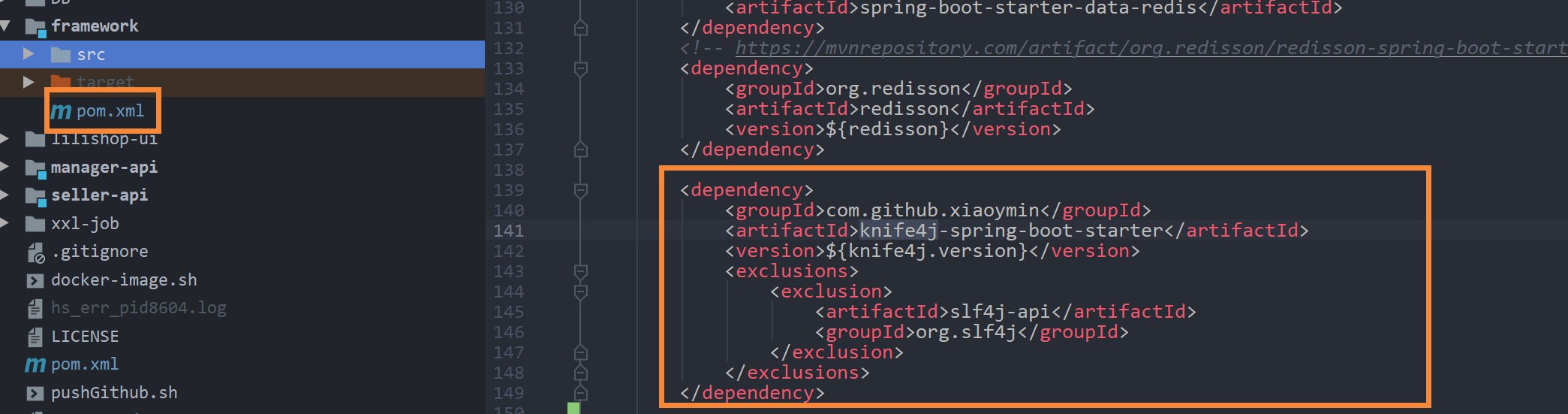
| 序号 | 名称 | 位置 | 文件名称 |
|---|---|---|---|
| 1 | lilishop | lilishop/ | pom.yml |
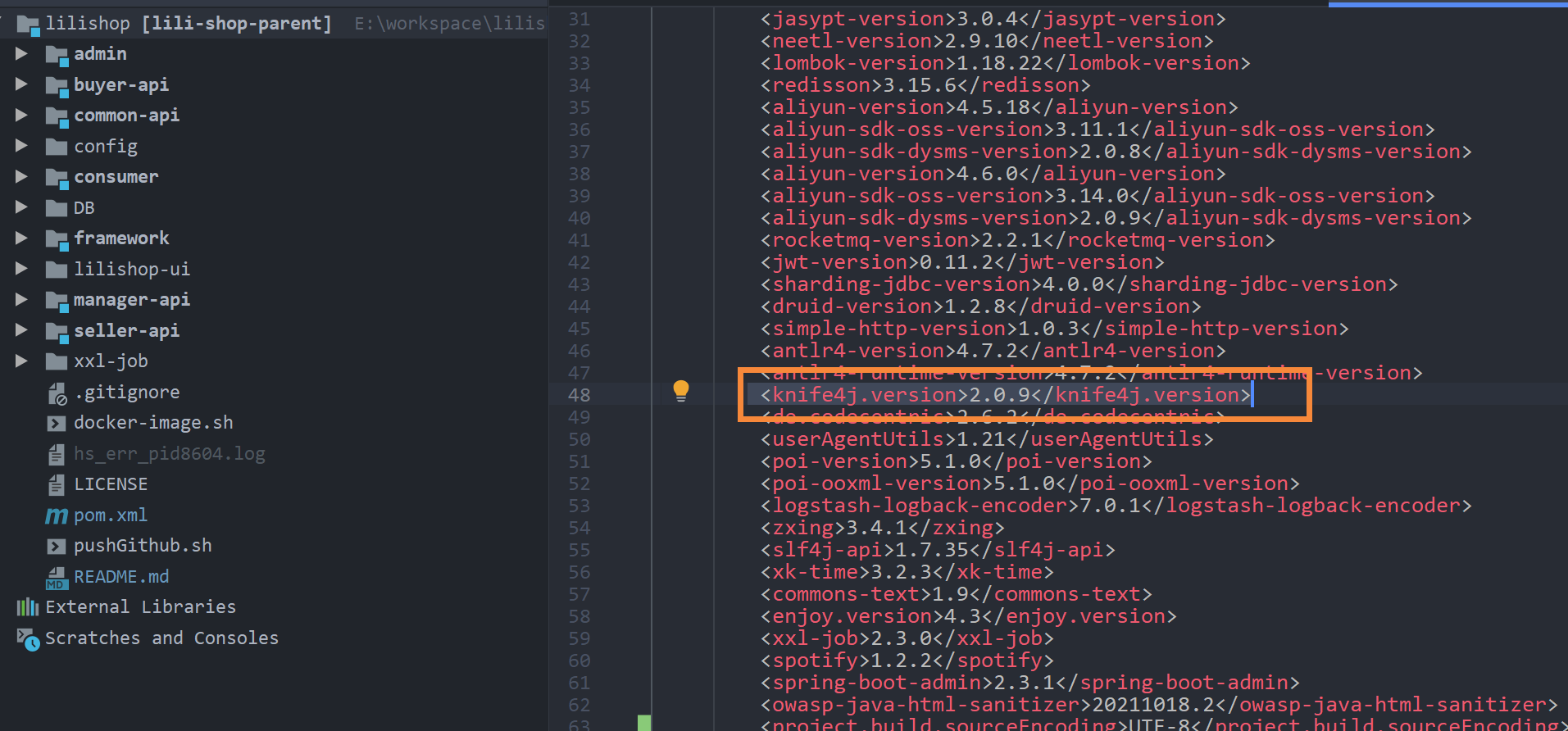
| 序号 | 名称 | 位置 | 文件名称 |
|---|---|---|---|
| 1 | buyer-api | src/main/resources | application.yml |
| 2 | common-api | src/main/resources | application.yml |
| 3 | config | src/main/resources | application.yml |

spring: mvc: view: prefix: / suffix: .html freemarker: check-template-location: false thymeleaf: check-template-location: false| 序号 | 名称 | 位置 | 文件名称 |
|---|---|---|---|
| 1 | buyer-api | src/main/java/security | BuyerAuthenticationFilter BuyerSecurityConfig |
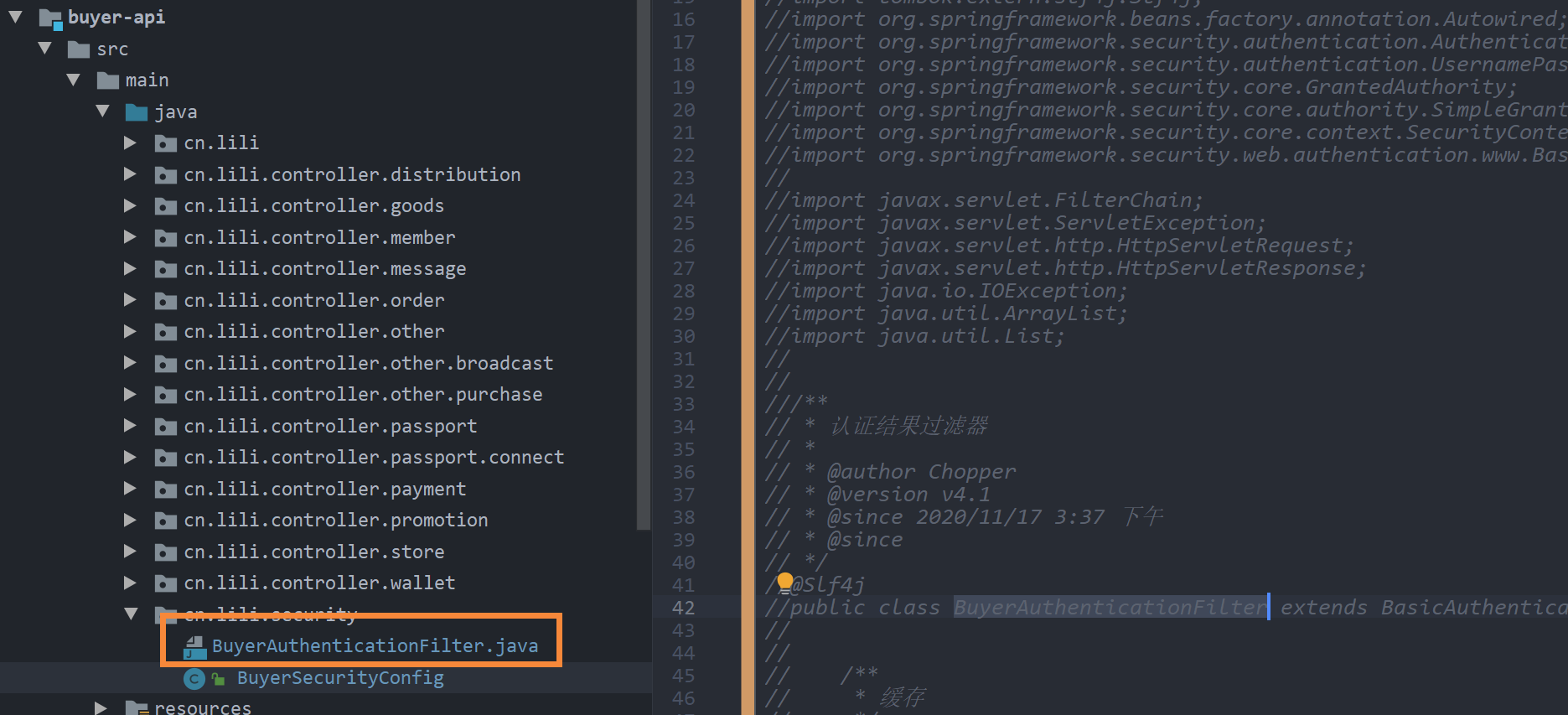
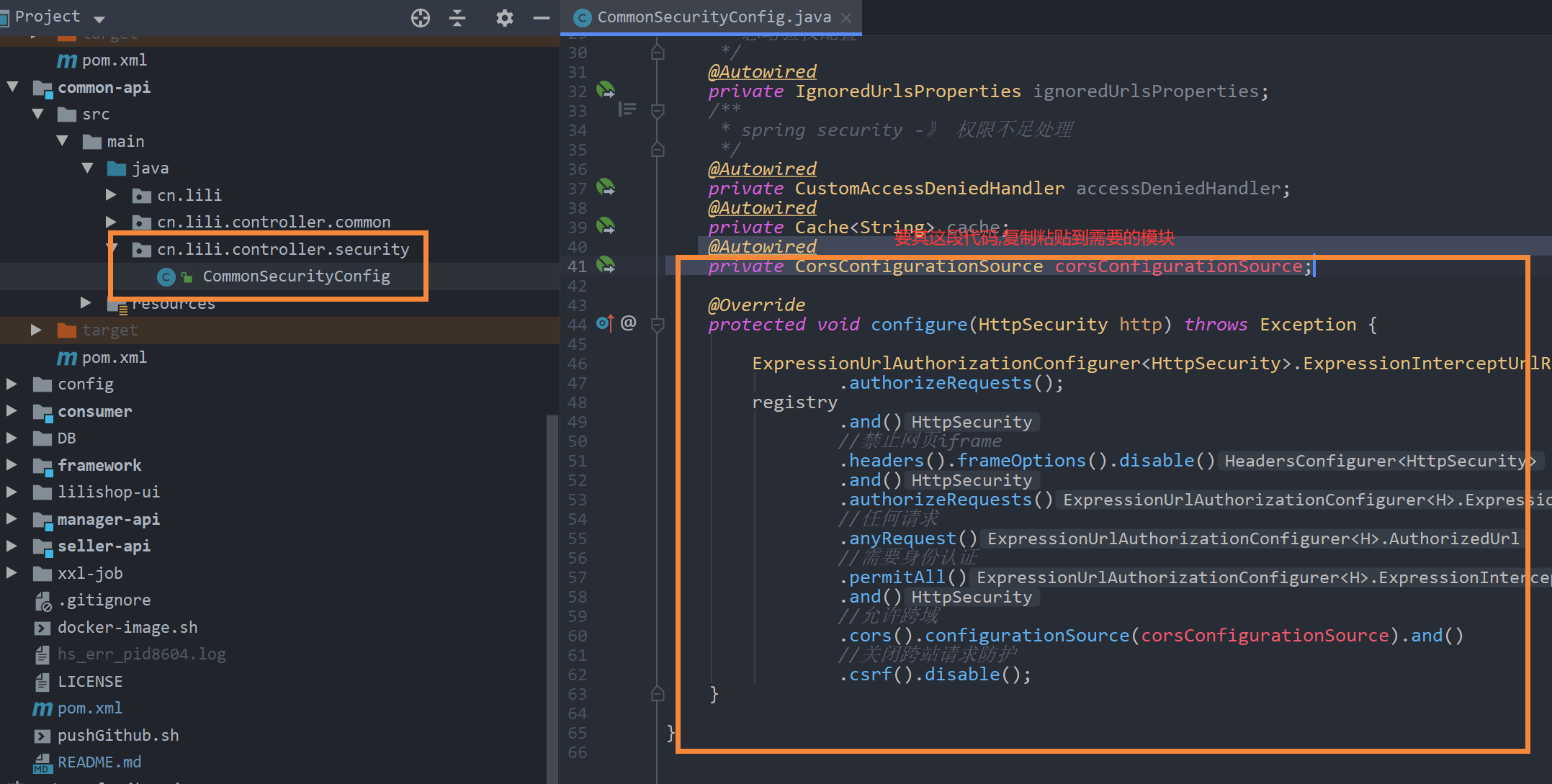
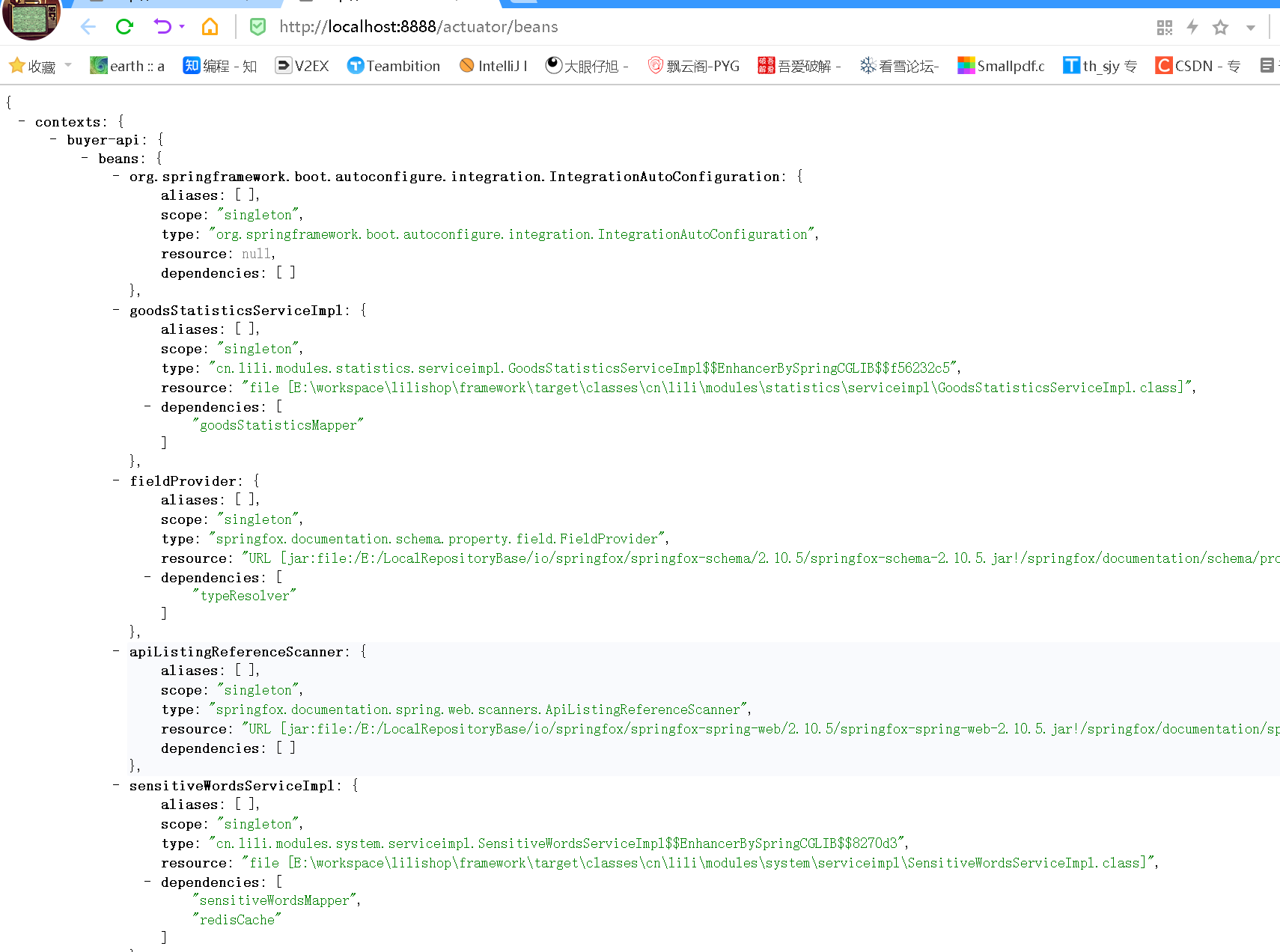
package cn.lili.security;import cn.lili.cache.Cache;import cn.lili.common.security.CustomAccessDeniedHandler;import cn.lili.common.utils.SpringContextUtil;import cn.lili.common.properties.IgnoredUrlsProperties;import lombok.extern.slf4j.Slf4j;import org.springframework.beans.factory.annotation.Autowired;import org.springframework.context.annotation.Configuration;import org.springframework.security.config.annotation.method.configuration.EnableGlobalMethodSecurity;import org.springframework.security.config.annotation.web.builders.HttpSecurity;import org.springframework.security.config.annotation.web.configuration.WebSecurityConfigurerAdapter;import org.springframework.security.config.annotation.web.configurers.ExpressionUrlAuthorizationConfigurer;import org.springframework.security.config.http.SessionCreationPolicy;import org.springframework.web.cors.CorsConfigurationSource;/** * spring Security 核心配置类 Buyer安全配置中心 * * @author Chopper * @version v4.0 * @since 2020/11/14 16:20 */@Slf4j@Configuration@EnableGlobalMethodSecurity(prePostEnabled = true)public class BuyerSecurityConfig extends WebSecurityConfigurerAdapter { /** * 忽略验权配置 */ @Autowired private IgnoredUrlsProperties ignoredUrlsProperties; /** * spring security -》 权限不足处理 */ @Autowired private CustomAccessDeniedHandler accessDeniedHandler; @Autowired private Cache<String> cache; @Autowired private CorsConfigurationSource corsConfigurationSource; @Override protected void configure(HttpSecurity http) throws Exception { // 注释这里的过滤权限代码// ExpressionUrlAuthorizationConfigurer<HttpSecurity>.ExpressionInterceptUrlRegistry registry = http// .authorizeRequests();// //配置的url 不需要授权// for (String url : ignoredUrlsProperties.getUrls()) {// registry.antMatchers(url).permitAll();// }// registry// .and()// //禁止网页iframe// .headers().frameOptions().disable()// .and()// .logout()// .permitAll()// .and()// .authorizeRequests()// //任何请求// .anyRequest()// //需要身份认证// .authenticated()// .and()// //允许跨域// .cors().configurationSource((CorsConfigurationSource) SpringContextUtil.getBean("corsConfigurationSource")).and()// //关闭跨站请求防护// .csrf().disable()// //前后端分离采用JWT 不需要session// .sessionManagement().sessionCreationPolicy(SessionCreationPolicy.STATELESS)// .and()// //自定义权限拒绝处理类// .exceptionHandling().accessDeniedHandler(accessDeniedHandler)// .and()// //添加JWT认证过滤器// .addFilter(new BuyerAuthenticationFilter(authenticationManager(), cache)); // 粘贴这里的不需要权限访问代码 ExpressionUrlAuthorizationConfigurer<HttpSecurity>.ExpressionInterceptUrlRegistry registry = http .authorizeRequests(); registry .and() //禁止网页iframe .headers().frameOptions().disable() .and() .authorizeRequests() //任何请求 .anyRequest() //需要身份认证 .permitAll() .and() //允许跨域 .cors().configurationSource(corsConfigurationSource).and() //关闭跨站请求防护 .csrf().disable(); }}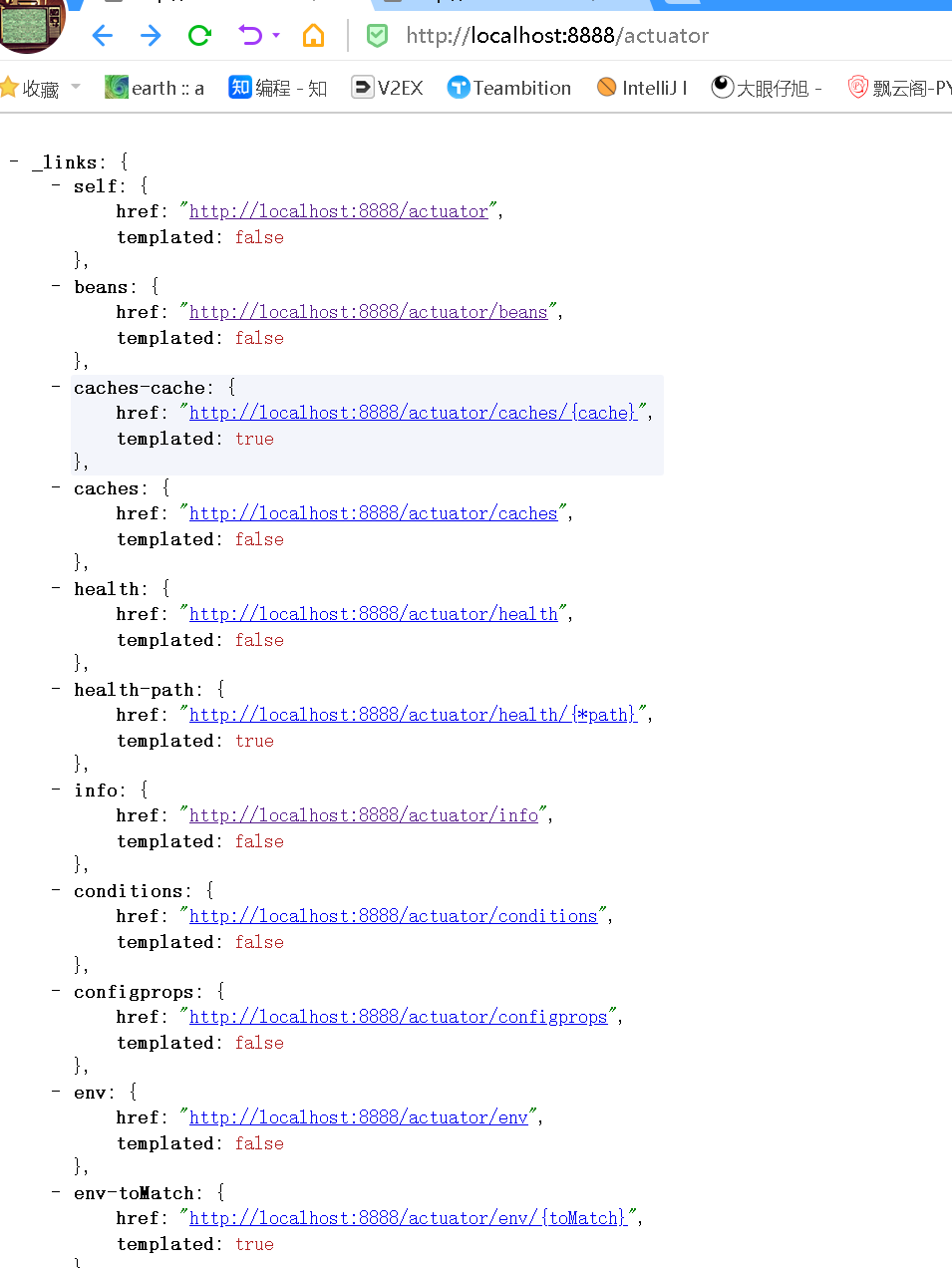
| 序号 | 名称 | 位置 | 文件名称 |
|---|---|---|---|
| 1 | admin | src/main/resources | application.yml |
| 2 | consumer | src/main/resources | application.yml |
| 3 | manager-api | src/main/resources | application.yml |
| 4 | seller-api | src/main/resources | application.yml |
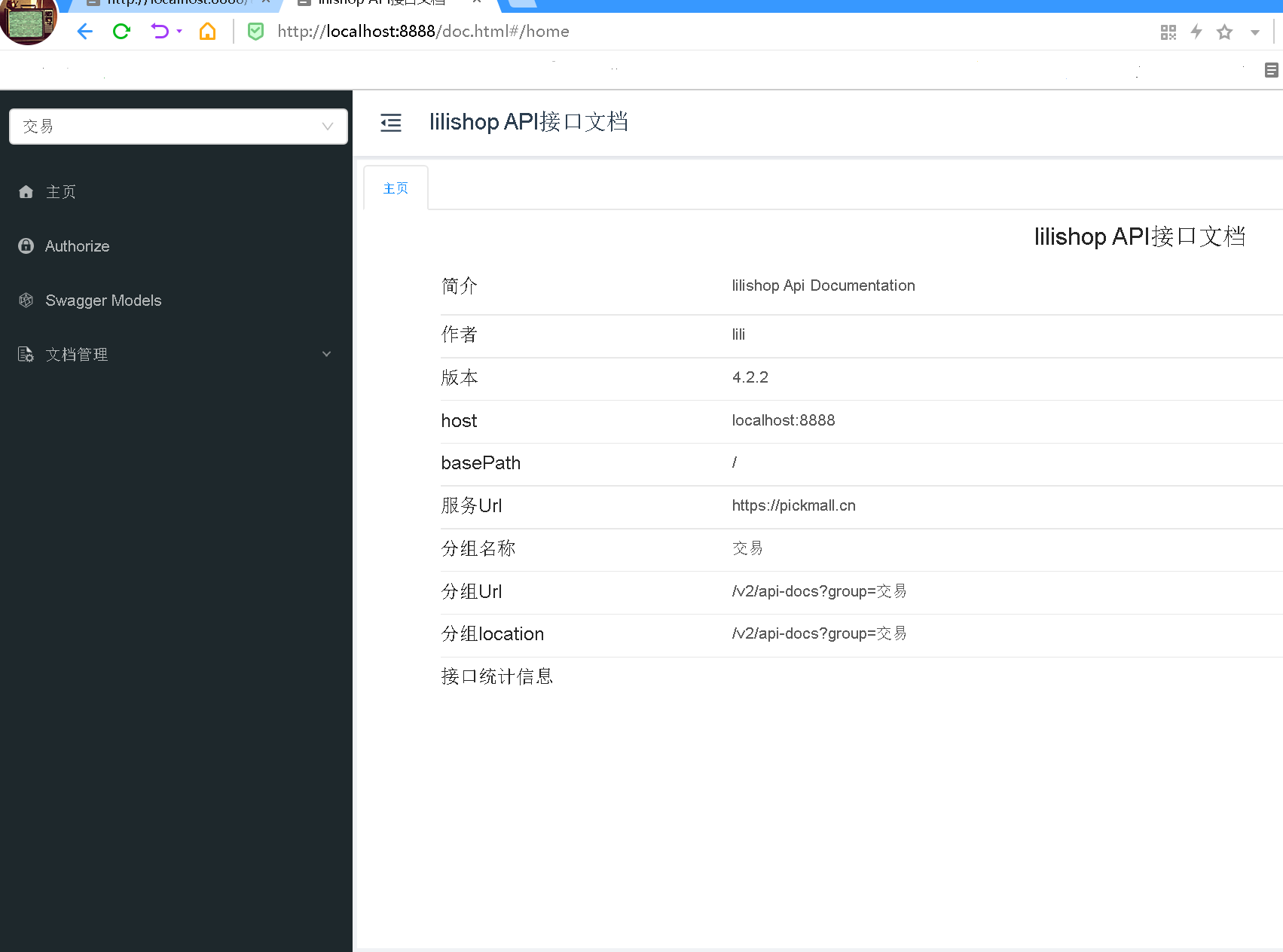
knife4j只用此插件的最简洁开发方式
Knife4j添加lombok及注解初探
Knife4j 注解详谈
呕心沥血,爆肝一个星期(需要写配置环境的文档,还要反复测试,以便为各位看官老爷提供最好的精品文章),希望点赞,收藏,评论,转发,您的支持就是本博主前进的动力,后期将推出完整部署文档,未完待续 .....

